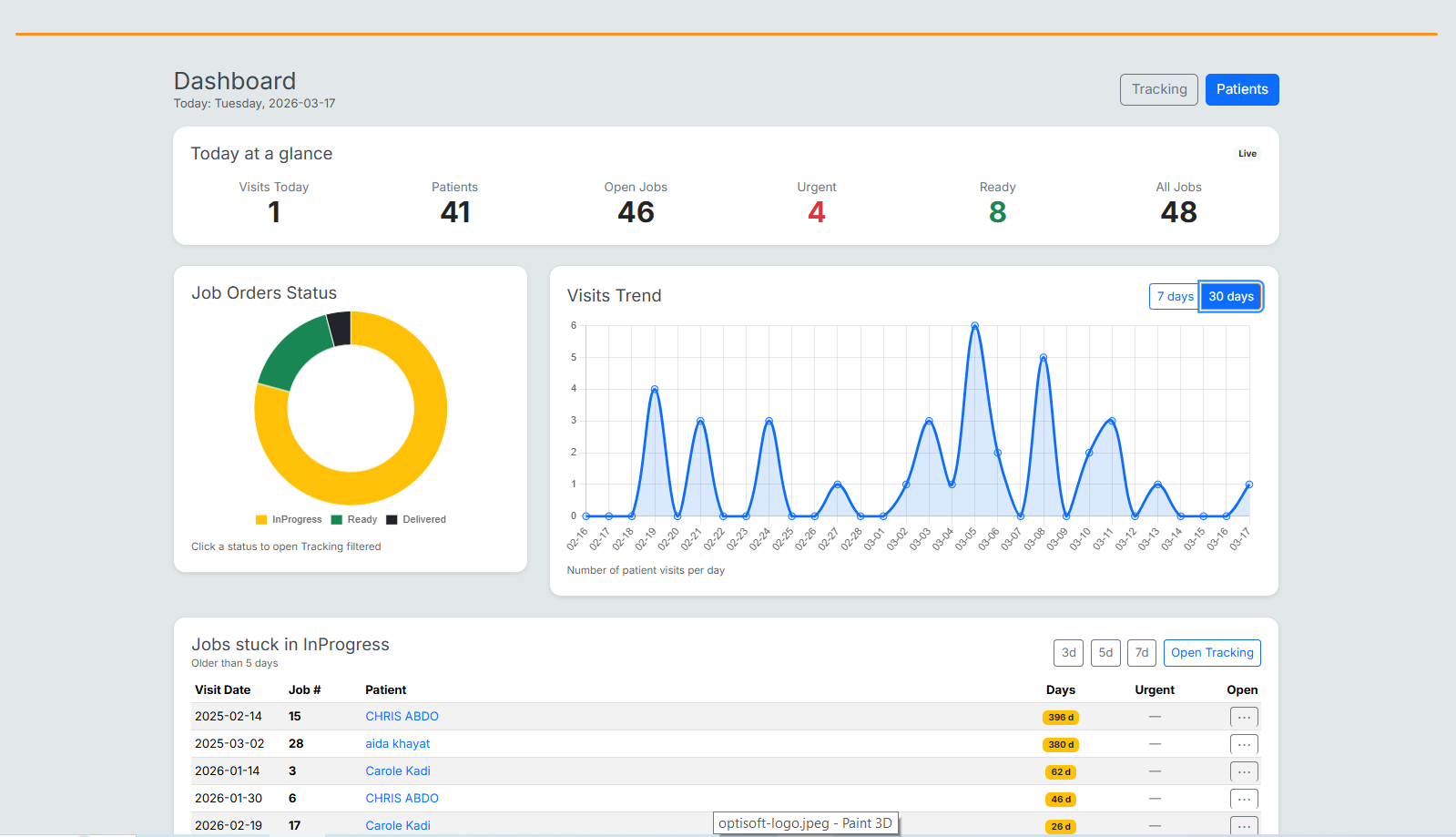
See how Optisoft works in real screens
Discover the main parts of the system through a clean visual presentation: screenshot, short explanation, and practical workflow benefit.
Visit and exam workflow
Record visits, prescriptions, and eye exam details in a clean and structured interface. Staff can work faster while keeping patient information clear and professional.
- Prescription management
- Ophthalmic lenses configuration
- Contact lenses management
- Automatic lens selection from available stock
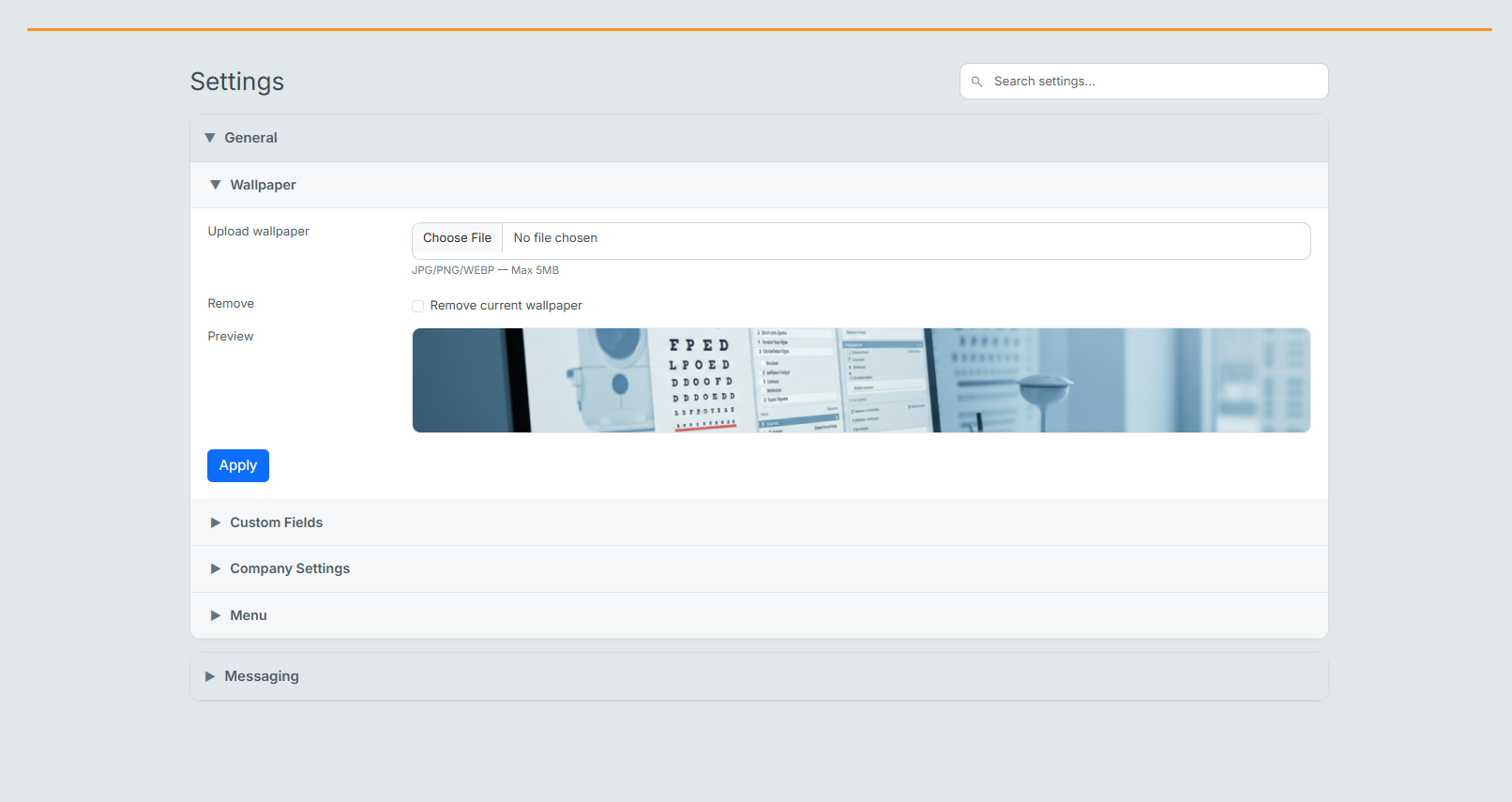
Settings and configuration
Control system options, workflow parameters, and configuration settings from one centralized administration panel. Easily manage operational preferences for your optical practice.
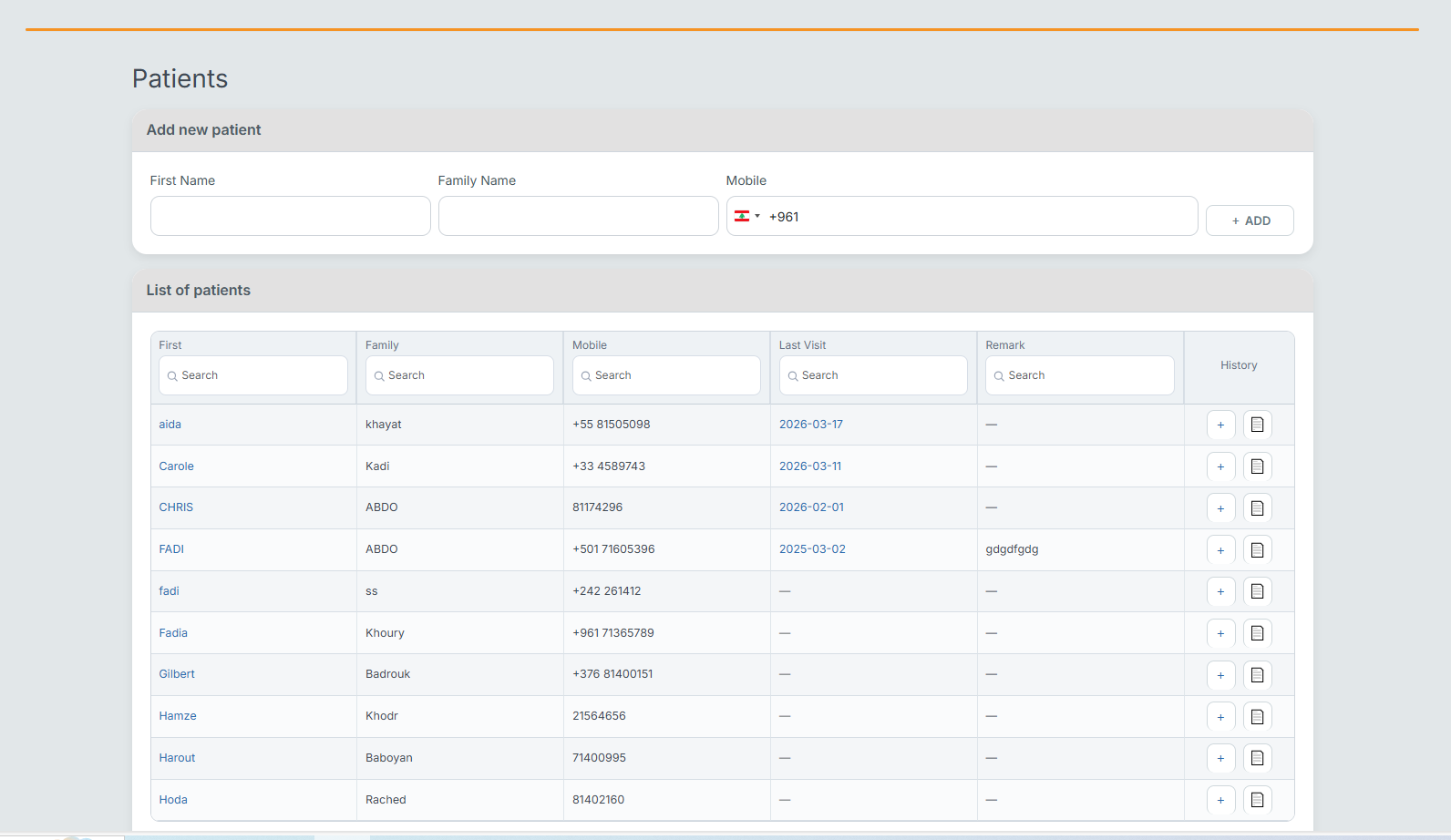
Patient management
Search, view, and organize patient information quickly. The list and actions are easy to use, helping staff manage daily patient flow efficiently.
Order tracking
Monitor job orders, lens preparation, and delivery status. Optisoft helps optical businesses track every step from prescription to final pickup.

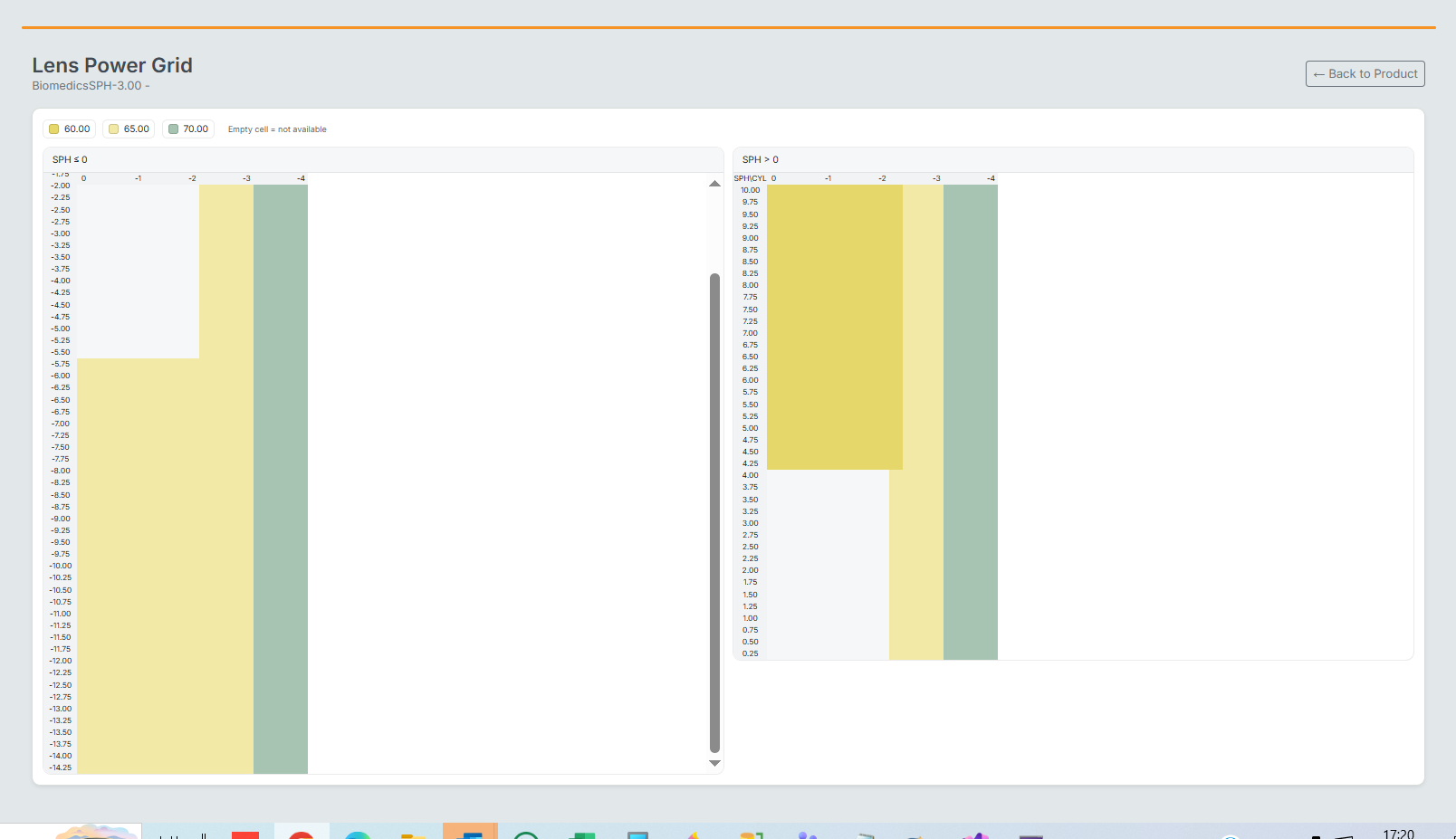
Lens power grid & stock matrix
Manage ophthalmic lens stock using a powerful visual grid based on SPH and CYL power combinations. Instantly see which lenses are available in inventory and quickly select the correct power.
- Visual SPH / CYL power matrix
- Color-coded stock availability
- Quick identification of missing powers
- Direct integration with product stock
- Automatic lens selection during prescription entry
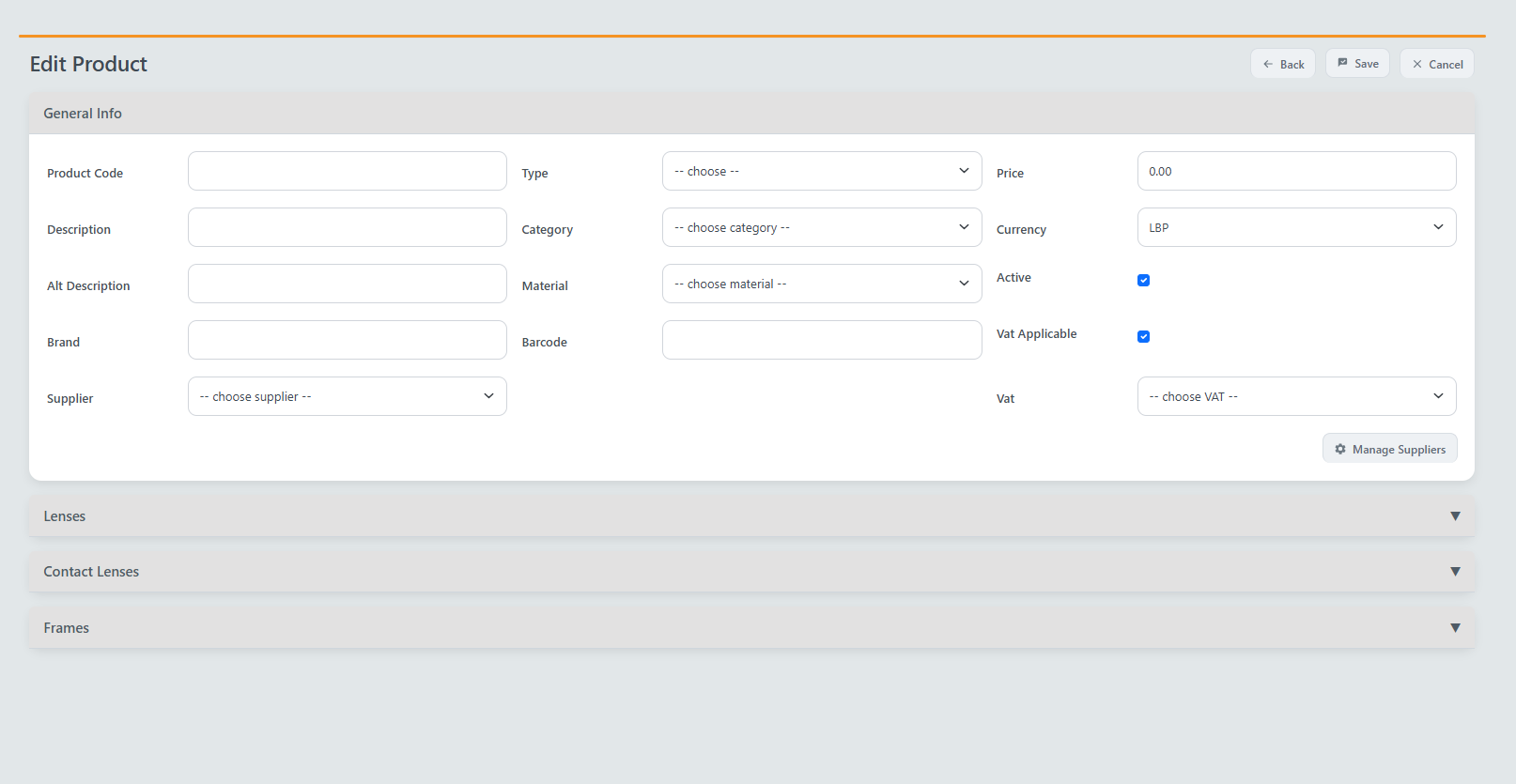
Product configuration
Configure optical products, lenses, frames, suppliers, pricing and VAT rules through a structured product editor. This ensures accurate stock tracking and easy maintenance of your catalog.